To automate your business with AI, start with one repeated task. Name the input given to the system, the output it must produce, the person who reviews that result and the measure you will observe. Test this loop under human control. Then make a plain decision: expand the scope, revise the loop or stop it. The tool comes later. This method turns a broad intention into a trial that people can inspect, challenge and interrupt.
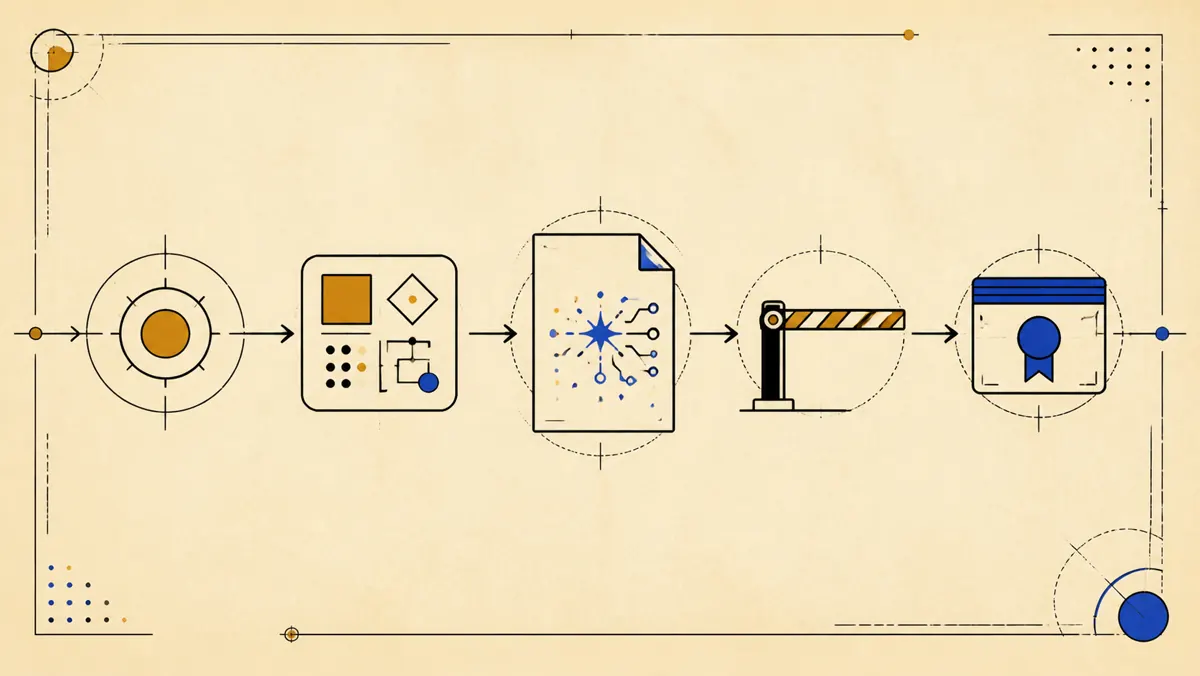
What should you define before automating a business with AI?
Define the workflow's intended effect before choosing the technology. A rule can move information. An AI system can prepare a suggestion. Another setup can act in an external tool. The expected output determines the human control, the evidence to keep and the point where the loop must stop.
The NIST AI Risk Management Framework is intended for voluntary use and to improve the incorporation of trustworthiness considerations into the design, development, use and evaluation of AI systems. I use it here as a control vocabulary, not as a label.
The initial scope fits in one sentence: “When this input arrives, the system prepares this output, this person reviews it and this measure determines what happens next.” If one part requires another project, narrow the task.
Which task should you automate first?
Choose a task whose start, end and result are visible to the person who already does the work. “Automate support” defines neither a boundary nor an output. “Prepare a draft from a request and an approved knowledge base” describes a loop you can test without sending the message.
- Repeated. The same shape of work returns and supplies cases to inspect.
- Bounded. One input starts the task and a named output ends it.
- Verifiable. A person can accept, edit or reject the output.
- Interruptible. An incomplete, ambiguous, contradictory or sensitive input can stop the loop.
- Owned. One person owns the rules, tests and final decision.
If the task needs several tools and may take actions, the AI project requirements document helps turn it into a written acceptance contract. You can also use this artificial intelligence project example to compare starting points.
Is your idea a good first candidate?
| Good first candidate | Keep under human control or narrow first |
|---|---|
| The input is bounded. | The boundary remains vague. |
| The output is verifiable. | The decision has no reviewer. |
| The sources are approved and the owner is identified. | The data is not controlled. |
| The loop can stop. | The action cannot be interrupted. |
If every row has a clear answer in the left column, move to the workflow sheet below. Otherwise, keep the task under human control or narrow it first.
How do you write the workflow sheet?
Write the loop on one sheet that the owner can understand without seeing the tool. The table uses the fictional example of a reply draft. It promises no gain. It shows what to decide before testing.
| Field | Question to settle | Draft example |
|---|---|---|
| Repeated task | What exact work returns? | Prepare a draft after an incoming request |
| Input | Which information and sources are accepted? | The message and an approved knowledge base |
| Output | What exact deliverable must result? | A draft that points to the content used |
| Human review | Who accepts, edits or rejects it? | The person responsible for the reply |
| Measure | Which observable criterion decides whether it passes? | The format is correct and each fact comes from an authorised source |
| Stop | Which cases must produce no action? | Missing data, ambiguity, conflict or a sensitive request |
| Decision | What follows the trials? | Expand, revise the loop or stop |
France Num recommends formalising objectives, roles and rules, then testing before deployment. Its guidance also recommends human oversight for sensitive tasks, traceability and ongoing maintenance of instructions, configurations and documents. Those recommendations support the reviewer, evidence and maintenance fields in the sheet.
Turn the sheet into an acceptance contract
The workflow is scoped. The next template turns its fields into written criteria, tests and responsibilities.
Open the AI project requirements documentHow do you test the loop under human control?
Test acceptable outputs and the cases where the system must stop. In the draft example, no message is sent automatically. The reviewer reads the proposal, returns to the sources and records the decision.
- Normal case. A complete request covered by the knowledge base produces a sourced draft for review.
- Incomplete case. Required information is missing, so the loop reports the gap without filling it.
- Ambiguous case. More than one reading remains possible, so the reviewer decides.
- Contradictory case. Approved sources disagree, so the loop shows the conflict and stops.
- Sensitive case. The request sits outside the written boundary, so no external action occurs.
For every trial, keep the input, source version, output, reviewer decision, exception and correction. This record lets you revise a specific rule. A successful demonstration is not enough when refusals remain invisible.
How do you measure the result without inventing a gain?
Choose a measure tied to the output before the test, then compare every case on that basis. For a draft, this can be the required format and whether each fact is supported by an approved source. For classification, it can be the owner's agreement or disagreement with the proposed category. The measure describes an observed result. It does not turn the trial into a promise about time or savings.
Record the starting state with the same unit. If no comparable baseline exists, report the trial results without claiming an improvement. The point is to decide from a record, not to manufacture an attractive number.
The NIST Playbook suggests voluntary actions aligned with Govern, Map, Measure and Manage. NIST says it is neither a checklist nor a sequence that users must apply in full. Actions can be selected for the context, so the measure on your sheet should stay tied to the tested workflow.
Which tool should you choose to automate your business with AI?
Choose the tool that can execute the sheet with the required access and leave readable evidence. Check that it accepts the planned inputs, limits permissions, offers a test mode, puts human review in the right place, keeps useful logs and lets you retrieve rules and results.
It does not define the task, authorised sources, acceptance criterion or owner. Compare candidates with the same input and output. If the sheet requires a capability the tool does not have, change the tool or narrow the scope. Do not quietly move the human review.
When several workflows share the same usage rules, the company AI charter template helps make those rules explicit.
When should you expand, revise or stop the automation?
Expand only when the output meets the written criterion, the reviewer keeps the decision and exceptions remain visible. Then add one permission or action inside a newly tested boundary. A successful trial does not automatically grant access to more data or actions.
Revise the loop when errors reveal a poorly defined input, an inadequate source, a vague output or an incomplete test. Stop when required data is not controlled, nobody can review the output or the workflow crosses its boundary. The decision belongs in the sheet, not in the excitement caused by a convincing answer.
What should you ask before automating with AI?
Which task should you automate first with AI? Choose a repeated, bounded and verifiable task. Name its input, output and the person who accepts, edits or rejects the result.
How should you measure an AI automation? Choose a measure tied directly to the output before the test. Keep the input, output, review decision, exception and correction, then compare trials on the same basis.
Which tool should you use to automate your business with AI? Choose the tool after writing the loop. Check accepted inputs, permissions, test mode, human review, logs, exports and maintenance.
When should you expand or stop the automation? Expand only when the output meets the written criterion, the reviewer keeps the decision and exceptions remain visible. Revise or stop when those conditions no longer hold.
Choose the right door
Your first workflow has an input, an output, a reviewer, a measure and a decision. Now choose the door that matches the real work.
Choose the right door